



Best AI Music Video Makers for TikTok and Viral Clips
Contact partnership@freebeat.ai for guest post/link insertion opportunities.
Best AI Music Video Makers for TikTok and Viral Clips
Creators ask a simple question: Which AI music video makers are actually best for TikTok and viral social clips? The strongest platforms combine fast rendering, beat-sync accuracy, and native 9:16 support. After testing a range of tools used by musicians and editors, I’ve found that platforms like Runway, Pika, and Freebeat deliver the most reliable results for short-form content, each serving different creative needs. Freebeat, in particular, stands out for creators who want instant beat-matched visuals without diving into manual editing.
In this guide, I break down the strengths of each tool, the criteria that matter most, and how to choose a workflow built for high-performing TikTok, Reels, and Shorts videos.
Why Short-Form Music Videos Need Specialized AI Tools:
Short-form formats reward speed, rhythm, and clarity. TikTok and Reels prioritize videos that open strong, match audio energy, and maintain visual motion. Traditional editors can achieve this, but they take time. Music creators and editors often need to turn a clip around in minutes, especially when riding a trend.
Most viral tracks follow clear rhythmic patterns, and AI tools that detect BPM or emotional shifts produce visuals that sync naturally to audio. This matters because TikTok viewers respond more strongly to clips that “feel” aligned with beat drops and transitions. For independent musicians and content creators, this sync can be the difference between average watch time and a viral loop.
Short-form videos succeed when visuals match the audio’s energy quickly and consistently.

What Makes an AI Music Video Maker Ideal for TikTok and Viral Clips:
Tools built for TikTok must excel at four things. They need fast rendering, because trending sounds move quickly. They need beat-sync accuracy, because TikTok’s algorithm favors clips that match audio peaks. They need 9:16 format presets, because vertical is the default. They also need visual variety, since creators mix cinematic shots, stylized effects, and animated sequences depending on the trend.
From my testing, the most important factor is how well the tool interprets the rhythm and pacing of the track. Platforms like Freebeat analyze tempo, mood, and transitions to generate visuals that feel intentional. Tools that ignore musical structure produce clips that look random, which typically perform worse in social feeds.
The tools that perform best combine speed, rhythm alignment, and strong 9:16 support.
Comparison of Leading AI Music Video Makers:
Creators use different platforms depending on whether they want cinematic realism, stylized animation, or quick lyric-driven visuals. Below is a practical comparison based on quality, speed, and short-form suitability.
Runway for cinematic social clips
Runway produces striking motion-driven shots that work well for dramatic TikTok edits. It shines when creators want realism or film-like sequences.
Pika for stylized viral edits
Pika is ideal for surreal animation, motion effects, and hyper-stylized loops. Many viral edits on TikTok use Pika-generated surreal transitions.
Veed for simple overlays and editing
Veed is accessible and fast. It is not a deep video generator, but it’s useful for captions, overlays, and quick assembly.
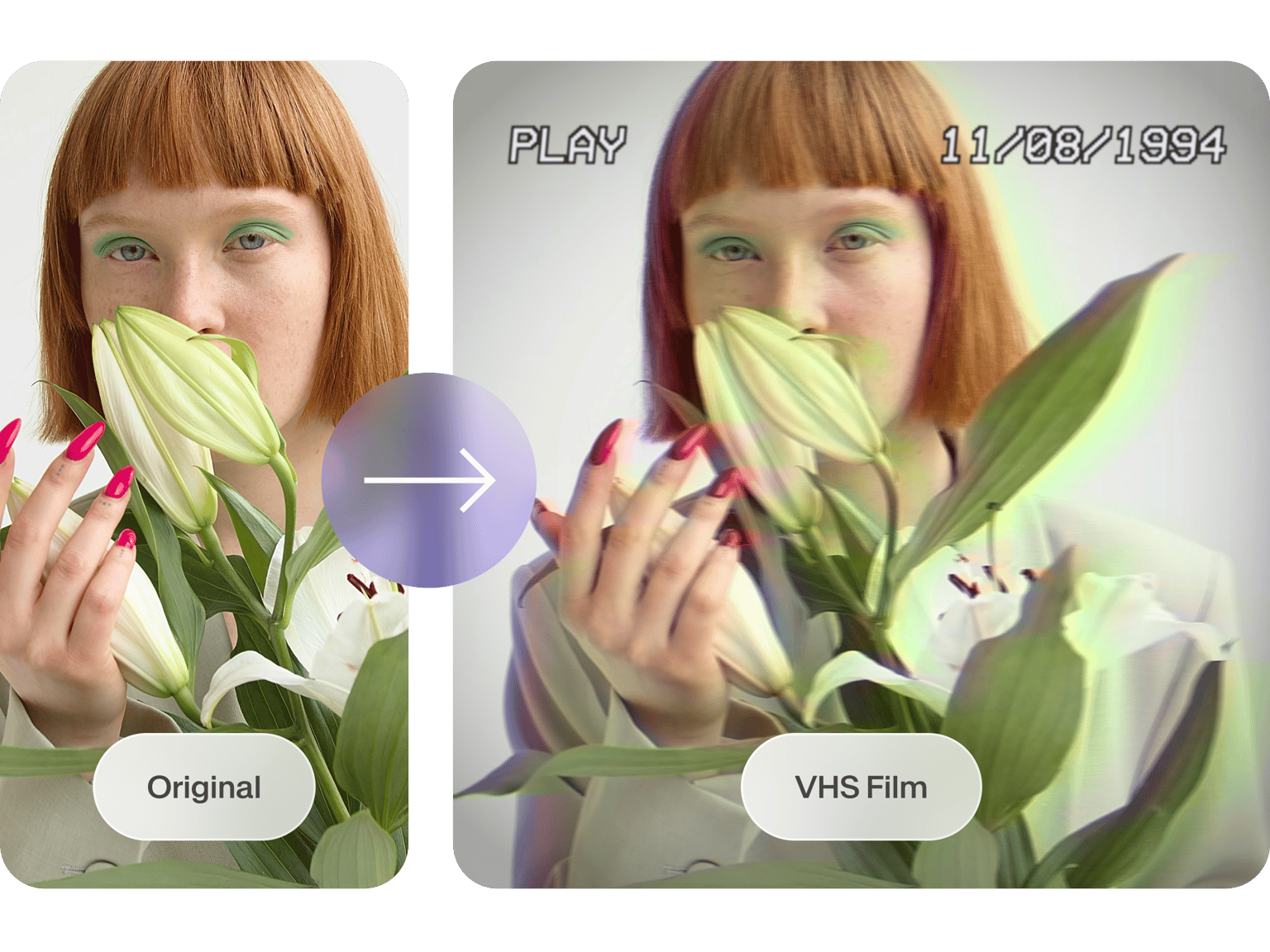
Freebeat for beat-synced, social-ready videos
Freebeat generates full music videos in one click using beat analysis and mood detection. For creators who want instant videos aligned to rhythm, Freebeat provides a dependable workflow without editing complexity. It also supports 9:16 presets and multiple AI video models, so creators can tailor the look to TikTok trends.
Other emerging tools
Some platforms experiment with text-to-video effects or camera motion simulation, but consistency varies. For viral content, stability is more important than novelty.
The strongest platforms for viral clips balance speed with controlled visual generation and beat awareness.
Best Picks by Use Case:
Creators often specialize. Some create dance edits, others generate lyric snippets, others produce cinematic teasers for YouTube. These workflows benefit from different strengths.
Best for TikTok loops
Freebeat generates clean rhythm-aligned loops that repeat well and maintain viewer attention.
Best for viral lyric snippets
Veed handles quick captioning workflows and layering lyrics on top of stylized visuals.
Best for YouTube premiere trailers
Runway produces the most cinematic sequences for long-form announcements or premiere countdowns.
Best for quick remix edits
Pika excels at stylized animation and surreal transitions for trend-heavy remix content.
Matching the tool to the content type produces more consistent viral performance.
How Freebeat Supports TikTok and Viral Music Video Creation:
Freebeat uses beat and mood analysis to generate visuals that align with the audio structure. This helps short-form creators produce dynamic videos without touching a timeline. Freebeat’s multi-model engine also gives creators access to different visual styles, from cinematic realism to animation, which is useful for matching TikTok trends.
Freebeat’s one-click workflow supports creators working under tight turnaround times, especially musicians and editors producing frequent social content. Because Freebeat formats scenes to follow the track’s transitions, the clips often feel more polished when posted to TikTok or Reels.
Beat-sync accuracy, quick rendering, and flexible styles make Freebeat a strong choice for viral-focused creators.
Workflow: How to Make Viral-Ready Music Clips Using AI:
Creators who consistently produce high-performing TikTok clips usually follow a structured process. Below is a streamlined approach that works well for music editors, DJs, and content creators.
1. Choose a track with clear energy shifts
TikTok reacts strongly to moments with clear beat drops or transitions.
2. Select a video model aligned with your genre
Pika for surreal edits, Runway for cinematic realism, Freebeat for rhythm-tight visuals.
3. Work in 9:16 first
Editing horizontally and cropping later often reduces quality.
4. Add captions and overlays early
Lyrics, hooks, or beat markers help viewers stay engaged.
5. Prioritize rhythm alignment
Tools like Freebeat make this easy by aligning visuals to BPM automatically.
6. Test loops on mobile
Short-form viewers often rewatch loops if timing is smooth.
Viral-ready clips follow a predictable structure anchored in rhythm, clarity, and vertical format.
FAQ
What is the best AI music video generator for TikTok clips?:
The best depends on your style, but Freebeat, Pika, and Runway offer the strongest results for short-form clips.
What is the best AI music video company for viral social clips?:
Tools with beat-sync and fast rendering perform best. Freebeat and Pika are common choices.
What is the best AI music video platform for YouTube premieres?:
Runway excels at cinematic visuals, which suit premiere trailers.
Which AI tools support 9:16 TikTok exports?:
Freebeat, Runway, Pika, and Veed support vertical formats for social platforms.
Which AI video maker produces the fastest viral-ready clips?:
Freebeat generates full videos quickly using one-click beat analysis.
Do AI tools help with beat-sync for TikTok?:
Yes, some do. Freebeat specializes in beat-timed visuals.
How do I choose the right AI platform for short-form content?:
Match your style to the tool: cinematic, surreal, or beat-synced.
What features matter most when optimizing for viral music clips?:
Vertical format, beat alignment, fast cuts, and clear motion.





 0% APR financing for 24-month payments.