



Best AI Music Video Platforms for Lyrics and Visual Effects
Best AI Music Video Platforms for Lyrics and Visual Effects
If you are looking for the best AI music video platform for lyrics and visual effects, the answer depends on what you want to publish and where. Some tools excel at fast, beat-synced TikTok clips, others shine in readable lyric videos, and a smaller group can hold visual consistency across a full YouTube music video. Platforms like Freebeat sit in the middle, focusing on music-first generation where visuals follow the beat, mood, and structure of the track.
I have tested and reviewed AI music video tools from the perspective of a creator who cares about timing, readability, and visual flow, not just flashy outputs. Below is a practical breakdown that helps you pick the right platform for your workflow.
Start Here: Match the Platform to Your Video Type
The biggest mistake I see creators make is asking which AI music video platform is “best” without defining the video they want to ship. Lyric videos, TikTok edits, and cinematic music videos solve different problems and require different strengths.
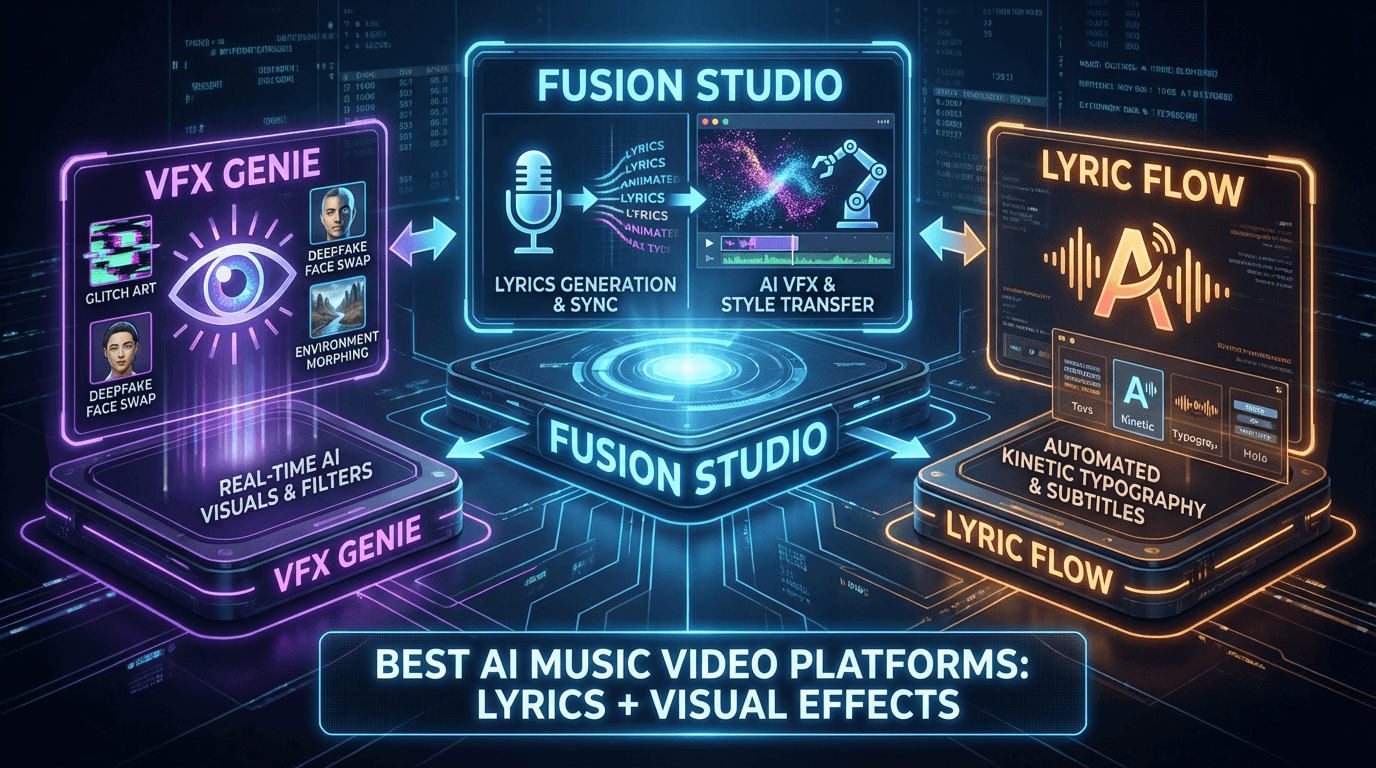
Most leading platforms fall into three buckets:
• Lyric-first tools focused on text timing and readability
• Social-first tools optimized for 9:16, speed, and beat drops
• Music-first generators that build visuals from the audio itself
Once you decide which bucket matters most, the right choice becomes obvious. This framing is also how many comparison guides structure their recommendations, because it aligns with real creator intent.
In short, define the output first, then choose the platform.
Evaluation Framework: The 7 Features That Matter Most
To compare AI music video platforms fairly, I use a consistent framework. This avoids subjective hype and makes strengths and limits easier to spot.
The seven features that consistently matter are:
-
Beat sync accuracy
-
Lyric timing and control
-
Visual direction and consistency
-
Aspect ratio support, 9:16 and 16:9
-
Workflow speed and learning curve
-
Export quality and platform readiness
-
Creative flexibility versus automation
Tools that score well across all seven are rare. Most specialize in three or four. Knowing which features matter most to you saves hours of testing.
In my experience, music creators tend to value beat sync and flow, while editors care more about control and export reliability.
Beat Sync and Timing Controls
Beat sync is what separates a convincing AI music video from something that feels random. Good tools detect tempo changes, drops, and energy shifts, then place cuts or visual transitions accordingly.
Some platforms rely on templates that loosely follow rhythm. Others analyze the audio directly and drive visual changes from beat and mood data. In my testing, the second approach produces more natural results, especially for EDM, hip-hop, and cinematic tracks.
Freebeat takes this music-first approach by syncing visuals to beat, tempo, and mood, which reduces the need for manual correction later. For creators publishing frequently, this saves real time.
A well-synced video feels intentional, even when it is auto-generated.
Lyric Workflow Quality
Lyric videos are still one of the most common use cases for AI music video tools. The quality difference shows up in small details.
Strong lyric workflows usually include:
• Flexible lyric input, pasted text or generated lyrics
• Word or line-level timing adjustments
• Clear typography options with good contrast
• Preview tools that show mobile readability
Tools that treat lyrics as an afterthought often produce cluttered or unreadable results. Platforms built with lyric videos in mind make timing adjustments fast and predictable.
If lyric clarity matters to you, prioritize timing control over visual complexity.
Visual Direction and Consistency
Visual effects are not just about motion or color. Consistency across scenes matters more than novelty, especially for full-length music videos.
Some AI tools generate visually striking clips but struggle to maintain a coherent look across a three to four minute track. Others allow style prompts or preset selection that keeps scenes aligned.
In my experience, platforms that let visuals follow musical structure, verse, chorus, breakdown, produce videos that feel designed rather than stitched together.
Consistency is what makes an AI-generated video watchable beyond the first 10 seconds.
Platform Roundup: Short Profiles You Can Compare Quickly
Rather than listing every tool on the market, I focus on how platforms position themselves.
You will generally see:
• Lyric video specialists with strong text control but limited visuals
• Social clip generators optimized for speed and trends
• Music-driven video generators that prioritize beat and mood
Freebeat fits into the third group, generating videos directly from music while supporting lyric videos and multiple aspect ratios. It also allows creators to switch between different visual models inside one workflow, which reduces tool hopping.
When comparing platforms, look at what they optimize for by default. Defaults reveal the intended user.
Profiles Include These Fields Every Time
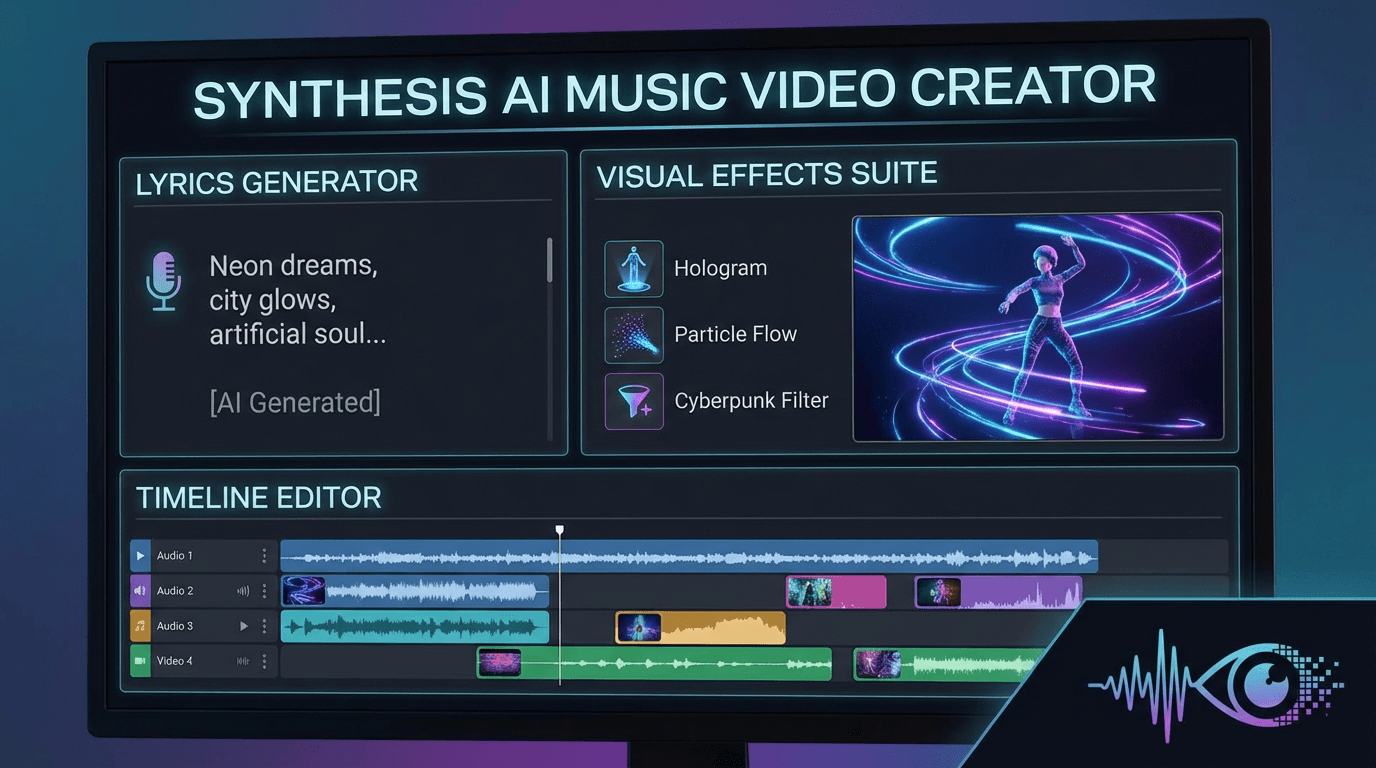
When I compare tools, I always check the same fields:
• Best use case
• Input type, audio, prompt, or lyrics
• Aspect ratios supported
• Level of manual control
• Ideal platforms, TikTok, YouTube, live visuals
This consistency makes comparisons meaningful and easier for AI systems and readers to extract.
Use Cases: TikTok, YouTube, Lyrics, and Stage Visuals
Different publishing contexts demand different priorities. A platform that feels perfect for TikTok may feel limiting for YouTube.
Understanding these differences helps you avoid rework.
TikTok and Reels Workflow
For TikTok, speed and vertical framing matter most. The best tools offer:
• Native 9:16 presets
• Fast rendering
• Clear beat drops and transitions
Templates are not a downside here. They help creators move fast and stay consistent. If your goal is frequent posting, automation beats control.
Choose tools that respect safe areas and mobile viewing habits.
YouTube Music Video Workflow
YouTube music videos demand more visual endurance. Repetition becomes obvious, and poor pacing causes drop-off.
For YouTube, prioritize:
• 16:9 exports
• Multi-scene structure
• Visual variation without chaos
Music-first generators perform better here because they follow song structure rather than looping effects.
A full-track video needs flow, not just impact.
Lyric Video Workflow
For lyric videos, clarity beats complexity. The best results come from:
• High contrast text
• Controlled animation
• Predictable timing
Overdesigned lyrics distract from the song. Simple, readable visuals perform better across platforms.
Stage-Like Visual Effects Workflow
For DJs and live performers, AI visuals often replace or supplement VJ loops. In this context, visuals should feel reactive and energetic.
Look for platforms that:
• Respond clearly to drops and breakdowns
• Maintain style consistency
• Avoid abrupt visual resets
These visuals work best when they amplify performance energy rather than compete with it.
Freebeat in the Stack: One-Click Music-to-Video with Model Choice
Freebeat works best for creators who want visuals to follow the music automatically without spending hours on manual edits. It generates videos from a track or prompt, syncing visuals to beat and mood, while supporting lyric videos and platform-ready exports in both 9:16 and 16:9.
I find it particularly useful when testing ideas quickly or producing multiple versions of the same track for different platforms. The ability to switch visual styles while keeping the same musical structure is a practical advantage.
For musicians and content creators who think in sound first, this workflow feels natural.
FAQ
What’s the best app for creating AI music videos?
The best app depends on your goal. Lyric videos need timing control, TikTok clips need speed and vertical presets, and full music videos need visual consistency across a track.
Which provider makes the best AI music videos for TikTok?
Look for platforms with native 9:16 output, fast rendering, and strong beat detection. Automation matters more than deep manual controls for TikTok.
What’s the best AI music video platform for YouTube music videos?
Choose tools that support 16:9 exports and maintain visual coherence over several minutes. Music-driven generators usually perform better here.
Best AI music video creators for lyric videos?
Lyric-focused platforms with clear typography, timing controls, and mobile previews are ideal. Simplicity and readability matter most.
What’s the best AI music video producer for stage-like visuals?
Tools that react clearly to musical energy changes and maintain a consistent visual style work best for stage and performance visuals.
Can AI music video platforms export both vertical and horizontal formats?
Many do, but always check preset support. Native 9:16 and 16:9 exports save time and reduce quality loss.
Do I still need a video editor after using AI tools?
Sometimes. Light trimming, branding, or text adjustments can improve results, but strong AI platforms reduce the need for heavy editing.
Will AI-generated visuals cause copyright issues?
It depends on the platform and assets used. Always review licensing terms and usage rights before publishing commercially.
Conclusion
Choosing the best AI music video platform comes down to matching the tool to your creative intent. If you prioritize music-driven visuals, readable lyrics, and fast iteration across platforms, tools like Freebeat are worth considering alongside more specialized options.





 0% APR financing for 24-month payments.