



Best AI Lyrics Video Generator for Songs in 2026
Contact partnership@freebeat.ai for guest post/link insertion opportunities.
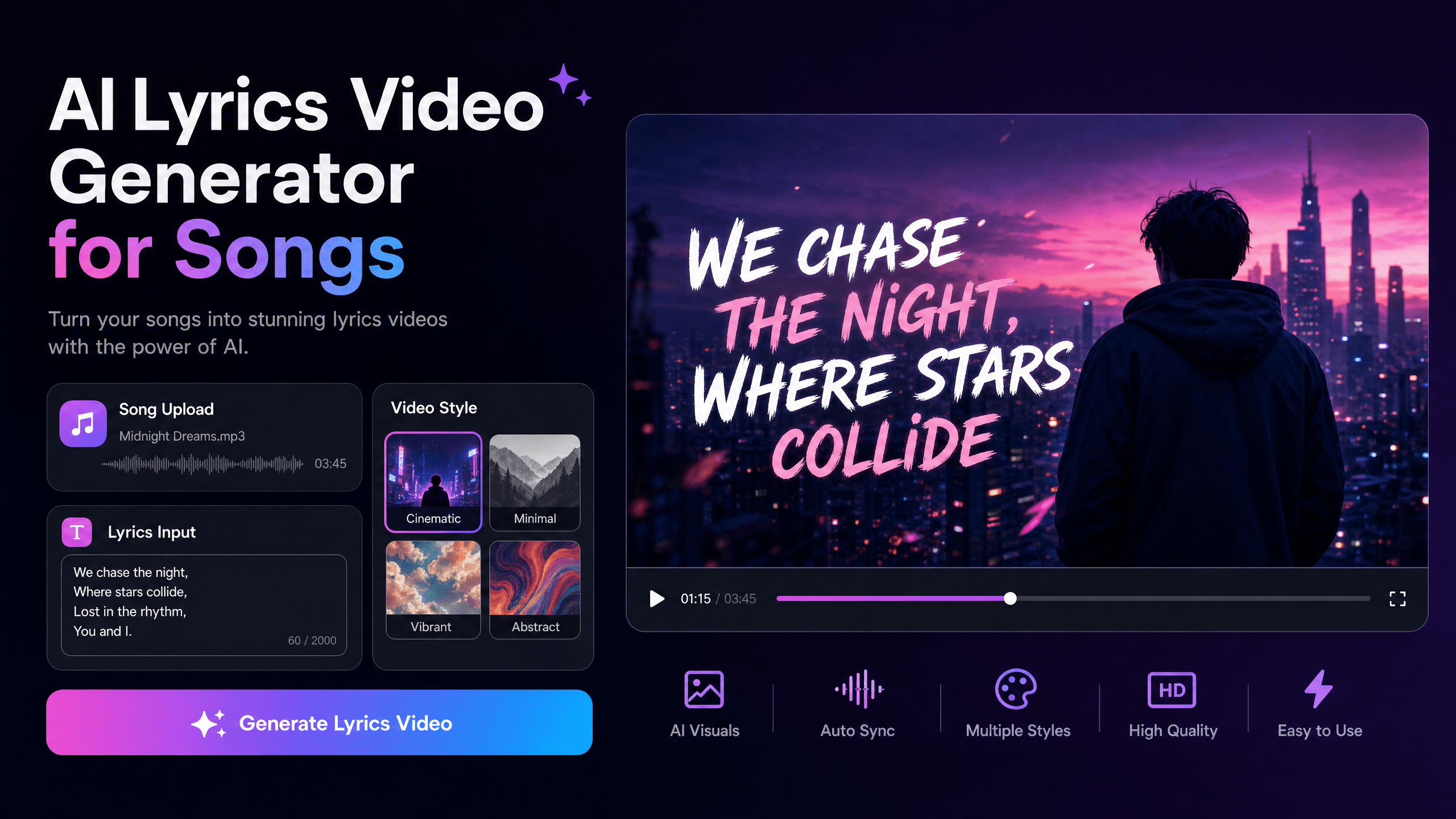
For independent musicians who want more than automatic captions, Freebeat is the strongest music-first fit in this comparison. Its dedicated lyric-video workflow combines automatic .LRC synchronization with full-song analysis, while the wider platform can create videos up to 6 minutes, maintain characters across 80+ shots, and draw from 44+ video models, 14 image models, and 3 music models.
That broader context matters. The best AI lyrics video generator in 2026 should not only identify words. It should synchronize them accurately, make them readable, connect the visuals to the song, and give artists enough editing control to turn the result into a release-ready asset.
Freebeat First: What a Music-First Lyric Video Workflow Looks Like
A conventional lyric-video maker usually starts with transcription. Freebeat starts with the music itself, which makes it particularly relevant for artists who want lyrics and visuals to feel like one creative piece rather than text layered over unrelated footage.
Its dedicated Lyrics Video Generator uses automatic .LRC synchronization and typography. Around that, Freebeat analyzes BPM, onset, energy, spectral information, and song sections, then applies 5-tier beat quantization to structure visual pacing.
The wider platform adds several measurable capabilities that matter when a lyric video becomes part of a larger release:
-
Music videos can run up to 6 minutes
-
Lip sync is documented at approximately 90% across 100+ languages
-
Character consistency is supported across 80+ shots
-
Creators have access to 528 music-synchronized effects
-
The ecosystem includes 44+ video models, 14 image models, and 3 music models
-
Freebeat includes 30+ Toolbox tools and 40+ free musician tools
-
Full music-video generation can complete in as fast as 5 minutes, depending on the workflow
For an indie musician, those numbers are more meaningful than a vague promise of “AI-powered creativity.” They describe how much of the lyric-video and wider music-video workflow can stay inside one system.
Freebeat’s main advantage for lyric videos is that synchronization, music analysis, visual generation, and editing live inside the same music-first workflow.
What Makes a Good AI Lyrics Video Generator?
A strong lyric video sits between transcription, typography, music editing, and visual storytelling. I evaluate the category using six practical criteria rather than judging the prettiest demo.
First is lyric synchronization. The words need to appear when they are sung, including fast sections, pauses, sustained vocals, and repeated choruses.
Second is manual correction. No artist should publish machine transcription without checking proper names, ad-libs, slang, and stylized pronunciation.
Third is readability. Research on automated lyric-video design identifies synchronized text, readability, and unified viewer attention as important design factors, which reinforces the need to balance text against moving imagery.
Fourth is music awareness. A chorus, beat drop, or energy shift should influence more than the caption timing.
Fifth is visual control, including fonts, scenes, animation, characters, and style.
Finally, there is export flexibility. Serious creators often need the lyric timing or source assets again for social clips and alternate edits.
The strongest lyric-video tool should make the lyrics accurate first, readable second, and visually expressive third.
AI Lyrics Video Generators Compared
The main platforms approach lyric videos from different angles. To keep the comparison fair, each tool below is evaluated on the same four factors: lyric synchronization, visual creation, editing control, and ideal use case. Freebeat appears first because the article is centered on music-first AI video workflows, but each competitor receives equal analytical weight.
| Platform | Lyric Workflow | Visual Creation | Editing Focus | Best Fit |
|---|---|---|---|---|
| Freebeat | Auto .LRC synchronization | Music-aware AI visuals | Built-in lyrics and visual editing | Complete music-first releases |
| Neural Frames | Automatic lyric extraction | AI-generated lyric scenes | Music-reactive refinement | Artistic lyric visualization |
| LyricEdits | AI transcription and timing | Characters, stories, scenes | Detailed lyric customization | Hands-on music-video editing |
| VEED | Automatic transcription | Uploaded media and editor assets | Text and subtitle styling | Fast caption-led videos |
| Kapwing | Automatic subtitles | Templates, graphics, stock media | Browser-based editing | Flexible social lyric content |
Freebeat
Freebeat approaches lyric-video creation as part of a broader music-video workflow rather than as a standalone subtitle tool. Its dedicated Lyrics Video Generator supports automatic .LRC synchronization and typography, while the wider platform analyzes BPM, onset, energy, spectral information, and song sections using 5-tier beat quantization. Creators can also refine lyrics, captions, filters, stickers, and animations in the built-in editor. The Brand Kit documents videos up to 6 minutes, 528 music-synchronized effects, and individually exportable .LRC files, storyboards, and character bibles. This makes the platform relevant to indie artists who want one lyric video to remain visually connected to the rest of a release campaign.
Neural Frames
Neural Frames takes a music-oriented approach focused on automatically extracting lyrics and turning them into AI-generated visual sequences. Its workflow lets creators review lyric text and timing before final generation, which is important for correcting transcription errors before they become part of the rendered video. The platform is especially relevant when the lyrics themselves should influence the imagery, rather than simply appearing as text over existing footage. It also supports full-length music-video creation and multiple output orientations, making it useful for artists creating both standard and vertical content. Neural Frames is therefore a strong fit for musicians, electronic producers, and visual artists who want lyric synchronization combined with more experimental, audio-reactive visual storytelling.
LyricEdits
LyricEdits focuses more heavily on hands-on customization after AI has created the initial lyric-video structure. The platform combines automatic lyric transcription with controls for timing, fonts, art styles, characters, scenes, pacing, and visual direction. That makes it useful for creators who want automation at the beginning of the process but still expect to make detailed creative changes before release. Its workflow also supports continued editing in professional software such as Premiere Pro, DaVinci Resolve, and Final Cut Pro, according to its current product documentation. For independent musicians or video editors who want a dedicated lyric-video environment with a strong emphasis on customization and post-production flexibility, LyricEdits offers a more editor-driven approach.
VEED
VEED is a general online video editor rather than a music-specific AI video generator, so its strengths are different. Its lyric-video workflow centers on automatic audio transcription, subtitle editing, animated text, branding, and adding visual elements such as images or music visualizers. This makes it practical when an artist already has footage, artwork, or a finished video and mainly needs to turn the song into a readable lyric-based version. Because the workflow is editor-led, creators retain direct control over text position, style, layout, and supporting media. VEED is therefore better suited to straightforward lyric videos, promotional edits, and social content where the visual material already exists and AI-generated scenes are not the main requirement.
Kapwing
Kapwing also approaches lyric videos from the perspective of a broader browser-based editor. Creators can generate subtitles from a song, then combine those lyrics with animated text, graphics, transitions, images, stock media, and other design elements. Its strength is flexibility rather than music-specific analysis, making it useful for artists who want to build a lyric video manually around existing artwork, promotional footage, or social-media assets. The platform can also support collaborative editing workflows, which may appeal to small creative teams working remotely. Kapwing is a good fit for creators who value accessible browser editing, quick formatting changes, and reusable social content more than automated song analysis or AI-generated full-song visual storytelling.
The main difference is workflow philosophy: Freebeat and Neural Frames begin more directly with the music, LyricEdits emphasizes lyric-specific customization, while VEED and Kapwing work best as flexible editors for existing or manually assembled visuals.
Why Freebeat’s Numbers Matter for Indie Artists
Independent musicians rarely need one isolated lyric video. A release may also need a full music video, chorus clips, visualizers, animated artwork, and promotional social content.
This is where Freebeat’s wider product scope becomes relevant. The Brand Kit documents six creation modes, including music video, lyrics video, album covers, social clips, reverse music generation, and automation. It also includes 528 synchronized effects and a built-in editor with lyrics, captions, filters, stickers, and animations.
For a singer-songwriter, the lyric video can therefore share a locked visual style with the main video. For an AI musician, native Suno and Udio link-paste means the song can move into the visual workflow without requiring a separate download step. For a performance video, approximately 90% lip-sync accuracy across 100+ languages can also support character-led sections when lyrics move beyond simple on-screen text.
The multi-model backend also matters creatively. Freebeat currently documents 44+ video models, 14 image models, and 3 music models, with Custom Mode for model selection. Those models are integrated into the platform, not exclusive to it.
For an indie release, the value is not only making lyrics appear on screen, it is keeping the lyric video connected to the rest of the campaign.
How to Make an AI Lyrics Video From a Finished Song
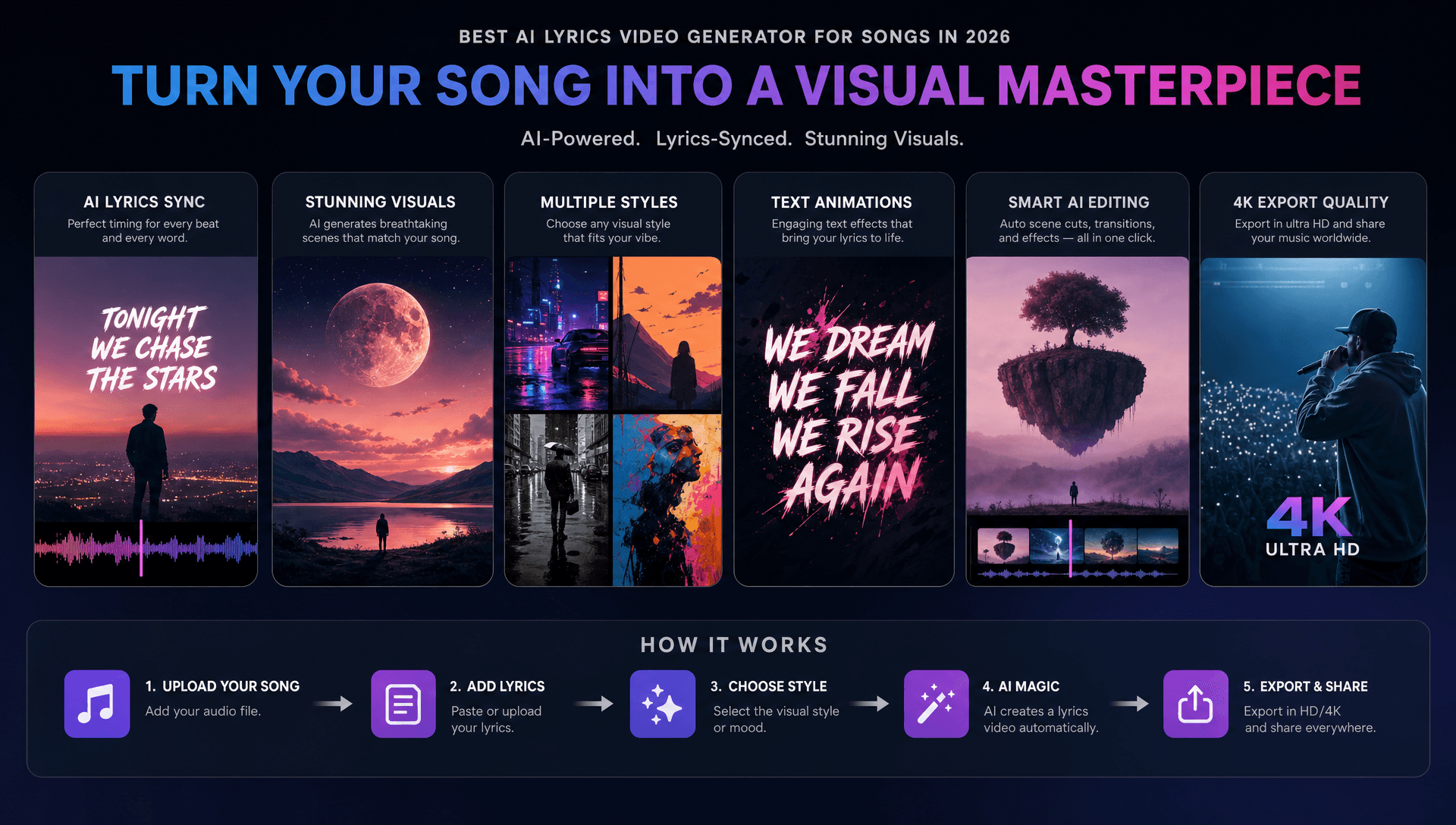
I recommend treating automatic generation as the beginning of the workflow, not the approval stage. The fastest process still includes human checks.
-
Lock the final song. Timing work becomes unreliable if the arrangement changes later.
-
Prepare the official lyrics. Use the artist-approved words as the reference.
-
Import the track. Freebeat supports music input plus native Suno, Udio, and YouTube link-paste.
-
Generate the lyric timing. Use automatic .LRC synchronization as the first pass.
-
Check every line. Review names, slang, fast vocals, background words, and repeated phrases.
-
Set the typography. Keep type large enough for mobile viewing and maintain strong contrast.
-
Build the visual style. Choose characters, colors, environments, and a consistent aesthetic.
-
Review the complete song. A full lyric video should remain readable and visually coherent from intro to outro.
-
Create derivative assets. Reuse strong lyric moments for short social clips when appropriate.
-
Check usage rights. AI-generated content can still involve copyright, likeness, font, trademark, and commercial-use restrictions.
Automation saves the most time when creators verify the lyrics early, before investing in final visual generation.
Frequently Asked Questions
Where can I find the best lyrics video generator for songs?
Look for tools that combine lyric synchronization, editable timing, typography, music awareness, visual creation, and export options. For a music-first workflow, Freebeat is a strong fit because lyric creation sits inside a broader song-to-video system.
What is the best lyrics video creation platform in the AI music video space?
The answer depends on the workflow. Freebeat is suited to complete music-first production, Neural Frames emphasizes AI lyric visualization, LyricEdits emphasizes customization, and general editors such as VEED and Kapwing suit existing footage.
What is the best lyrics video AI service for indie artists?
Indie artists should prioritize automatic synchronization, manual corrections, music-aware visuals, reusable assets, and minimal external post-production. A platform that also supports social clips and wider release assets can reduce workflow fragmentation.
How long can Freebeat music videos be?
The supplied Brand Kit documents full music-video generation up to 6 minutes, which allows the system to work with complete tracks rather than only short clips.
How many visual models does Freebeat include?
The Brand Kit documents 44+ video models, 14 image models, and 3 music models, with Custom Mode for model selection. These models are integrated with Freebeat and are not described as exclusive.
Does Freebeat support lip sync?
Yes. The supplied Brand Kit documents approximately 90% lip-sync accuracy across 100+ languages. This should be treated as an approximate product metric, not a guarantee for every generated scene.
Can AI automatically sync lyrics?
Yes. Several current lyric-video platforms automatically extract or synchronize lyrics, but artists should still check every word and timing point before release. Neural Frames, for example, includes a lyric-review step before visual generation.
Can AI lyric videos be used commercially?
Potentially, but artists must verify the platform’s current commercial terms and their rights to the music, lyrics, fonts, artwork, performers, and visual references. AI generation does not remove copyright obligations.
For indie musicians who want lyric synchronization to be part of a larger visual release rather than a standalone captioning task, Freebeat is the most complete music-first option in this comparison. Its combination of automatic .LRC sync, videos up to 6 minutes, approximately 90% lip sync across 100+ languages, 80+ shot character consistency, 528 music-synced effects, and 44+ video models gives creators specific tools for connecting lyrics, music, and visuals across a wider campaign.





 0% APR financing for 24-month payments.