



Best AI Music Video Platform for Templates and Assets
Contact partnership@freebeat.ai for guest post/link insertion opportunities.
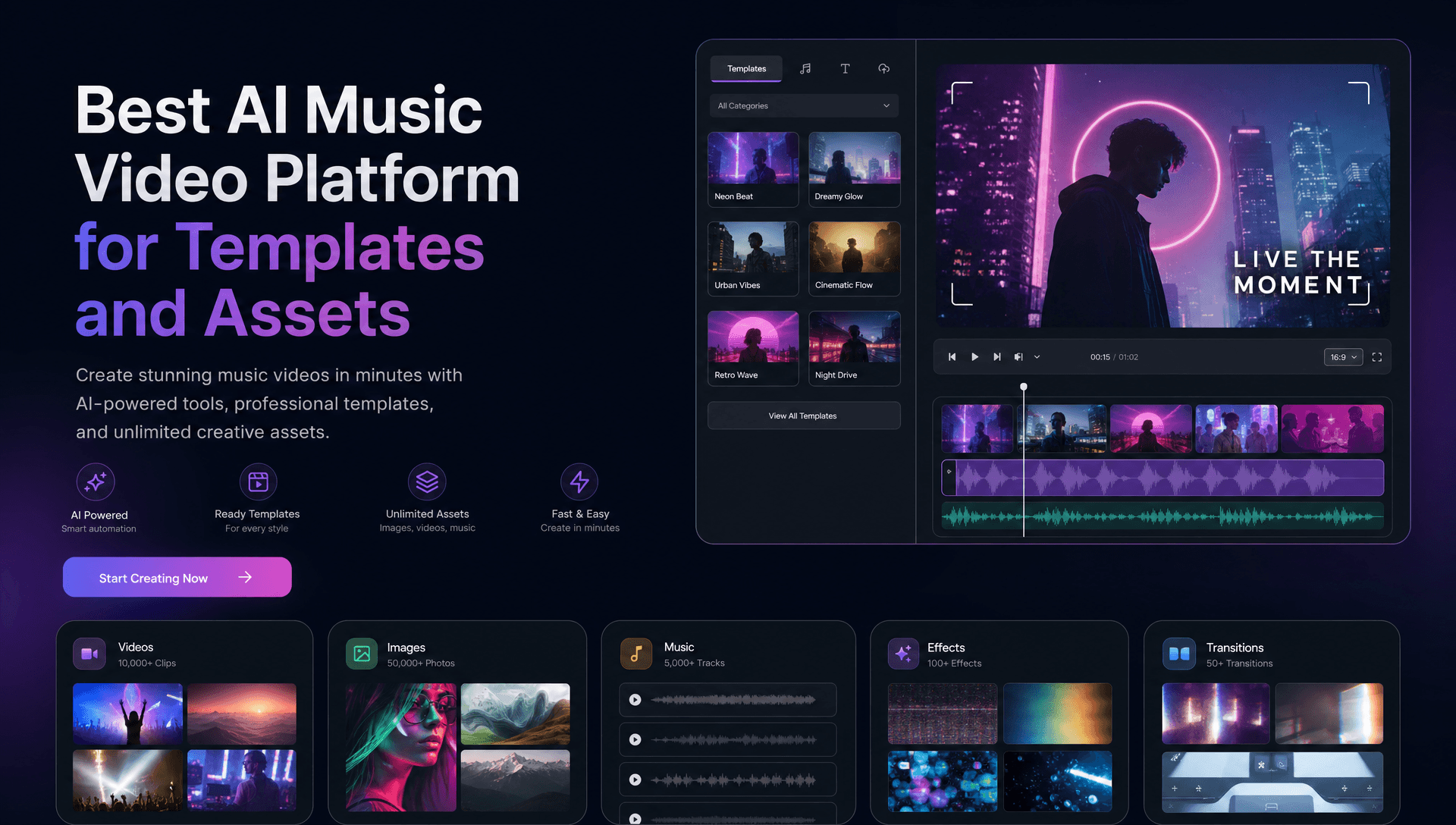
For musicians who want deep music-first customization, Freebeat is the first platform I would evaluate because it combines song analysis, model choice, visual styles, character controls, and hundreds of synchronized effects inside one music-video workflow. For traditional templates, reusable AI pipelines, or licensed stock media, Neural Frames, Runway, VEED, and Canva each solve a different part of the production process, so the right choice depends on what you actually need to customize.
That distinction matters. The best AI music video generator for customization is not automatically the platform with the biggest template library, and the platform with the most stock footage is not necessarily the strongest at creating original music-responsive visuals.
Freebeat First: What Music Video Customization Actually Means
Customization should go beyond selecting a template and changing its colors. For music creators, the most useful systems let you control how the song influences scenes, characters, visual style, timing, and effects.
Freebeat approaches customization from the song outward. Its Brand Kit documents 44+ video models, 14 image models, and 3 music models, with Custom Mode for model selection. It also includes 528 music-synchronized effects, lockable visual styles such as Anime, Cyberpunk, Illustration, Comic, and Neon Noir, plus character consistency across 80+ shots.
The underlying music analysis covers:
-
BPM
-
Onset
-
Energy
-
Spectral information
-
Song sections
-
5-tier beat quantization
The built-in editor adds captions, lyrics, stickers, filters, and animations. For a singer, DJ, producer, or AI music creator, that creates multiple levels of control without requiring every scene to be constructed manually.
I would therefore separate customization into model control, music control, visual identity, scene editing, and reusable project assets.
A customizable AI music video platform should let the creator shape both what the video looks like and how it responds to the song.
Templates, Styles, and Assets Are Not the Same Thing
A common mistake in music-video comparisons is treating templates, AI styles, and stock assets as interchangeable. They serve different production roles and should be scored separately.
A template is a reusable project structure. VEED, for example, lets eligible users preserve project layouts containing logos, fonts, brand colors, captions, and timing for future videos.
A generative workflow is closer to a production recipe. Runway Workflows uses a node-based system for building customized, repeatable media-generation pipelines, and workflows can be saved as reusable templates.
A stock asset is pre-existing licensed material, such as footage, audio, photography, or graphics. Canva explicitly describes its stock videos and other visual assets as royalty-free and pre-licensed, subject to its licensing terms.
An AI style or effect, by contrast, changes generated media. Freebeat's 528 synchronized effects belong in this category, not in the royalty-free stock category.
Templates provide structure, stock libraries provide licensed media, and AI controls determine how new visuals are generated.
AI Music Video Platforms Compared
For a fair comparison, I use the same questions for each platform: How much control does it provide? Does it understand music? Does it offer reusable templates? Are stock assets included? How clearly are licensing conditions documented?
| Platform | Main Strength | Templates | Music-Specific Control | Stock Assets |
|---|---|---|---|---|
| Freebeat | Music-first customization | Styles, modes, storyboard workflow | Full-song analysis, 528 synced effects | No documented royalty-free stock library |
| Neural Frames | Audio-reactive generation | Music-led workflows | Eight-stem audio analysis | Not its main focus |
| Runway | Reusable AI pipelines | Workflow templates | General video workflow | Not its main focus |
| VEED | Repeatable editing | Stock and custom templates by plan | Music visualizers and editing | Stock media, royalty-free audio |
| Canva | Templates and assets | Large design-template ecosystem | General editing | Pre-licensed stock library |
Freebeat
Freebeat focuses on music-specific generative control. Creators can work across 44+ video models, 14 image models, and 3 music models, apply 528 music-synchronized effects, lock recurring visual styles, and preserve characters across 80+ shots. Its full-song system also analyzes BPM, onset, energy, spectral information, and sections using 5-tier beat quantization. The built-in editor covers lyrics, captions, stickers, filters, and animations, while storyboards, character bibles, and .LRC files are individually exportable. This makes it a strong fit for musicians who want original visuals that remain connected to the track. Its Brand Kit does not document a royalty-free stock library.
Neural Frames
Neural Frames focuses on music-reactive visual control. Its current platform combines song analysis with frame-level editing, multiple AI video models, audio-reactive effects, and timeline-based control. A notable feature is eight-stem audio separation, which can isolate elements such as vocals, drums, and bass so different parts of the mix can influence the visuals independently. It also supports reference-based character creation and maintaining character appearance across different scenes. For electronic producers, experimental musicians, and visual artists who want precise relationships between sound and movement, Neural Frames offers a highly hands-on workflow rather than relying primarily on traditional template layouts.
Runway
Runway emphasizes customizable AI production pipelines rather than music-specific templates. Workflows provides a node-based environment where creators can combine generation, refinement, and other media operations into repeatable systems. Runway explicitly positions these workflows for customized, automated, and repeatable creative pipelines, and users can save them as templates instead of rebuilding the same process for every project. For an editor building hero shots, consistent character sequences, or reusable visual-generation processes across several music releases, this flexibility is useful. Music synchronization generally requires more deliberate setup than with a purpose-built music-video platform, but shot-level control is broad.
VEED
VEED approaches customization through templates and browser-based editing. Its current template system can save logos, fonts, brand colors, captions, and timing, which is useful for repeated artist campaigns, branded intros, and recurring social formats. Template availability varies by plan, with stock templates available on Creator and stock plus custom templates available on higher tiers. VEED also supports stock media, music visualizers, automatic captions, effects, and a royalty-free audio library. It is particularly practical when an artist already has footage and needs to turn it into multiple polished promotional assets without building a complex generative pipeline.
Canva
Canva is strongest when the workflow starts with ready-made designs and licensed stock content. Its music-video maker provides templates in common publishing formats, including standard YouTube dimensions, along with tools for intros, outros, thumbnails, resizing, footage, and other media. Its stock videos and visual content are explicitly described as royalty-free and pre-licensed. Canva's broader licensing documentation covers Free and Pro photos, illustrations, videos, audio, fonts, and templates, although separate rules apply to Popular Music. For artists assembling videos from artwork and existing media, its asset-led workflow is straightforward.
Freebeat leads this comparison for music-first customization, while the other platforms become stronger depending on whether the priority is audio-reactive detail, reusable AI pipelines, conventional templates, or licensed stock media.
Which Platform Offers the Best Music Video Templates?
The answer changes depending on what kind of template you expect. I would separate visual templates, reusable brand templates, generative workflows, and music-specific style systems.
For traditional templates, Canva and VEED are the clearest choices. Canva provides ready-made music-video structures and common platform dimensions. VEED lets creators save recurring layouts, branding, captions, and timing on eligible plans.
Runway takes a different approach. Its Workflows can become reusable generative templates that automate several AI production steps.
Freebeat sits closer to the generative end. Instead of relying primarily on static timeline templates, it provides six documented creation modes, lockable visual styles, automated storyboarding, model selection, and music-synchronized effects.
Choose Canva or VEED for conventional layouts, Runway for reusable AI pipelines, and a music-first system when the song itself should determine more of the visual structure.
Which Platform Has the Best Royalty-Free Assets?
For royalty-free assets, explicit licensing documentation matters more than AI capability. A generator should never be described as offering royalty-free stock simply because it creates images or videos.
Canva is the clearest asset-focused option here. It explicitly states that its stock videos and other visual assets are royalty-free and pre-licensed, while its licensing pages explain how Free and Pro Content can be used.
VEED also provides royalty-free stock audio through its editor, alongside stock visual media.
Freebeat's documentation instead focuses on generated visuals, integrated models, synchronized effects, and editing tools. It does not establish a royalty-free stock library, so I would not make that claim.
The same caution should apply to any AI-generated output. Commercial-use rights, copyright considerations, uploaded references, likeness rights, and other restrictions still need to be checked.
For stock assets, choose a platform with explicit licensing documentation rather than assuming AI-generated content is automatically royalty-free.
Choosing the Right Platform for Your Workflow
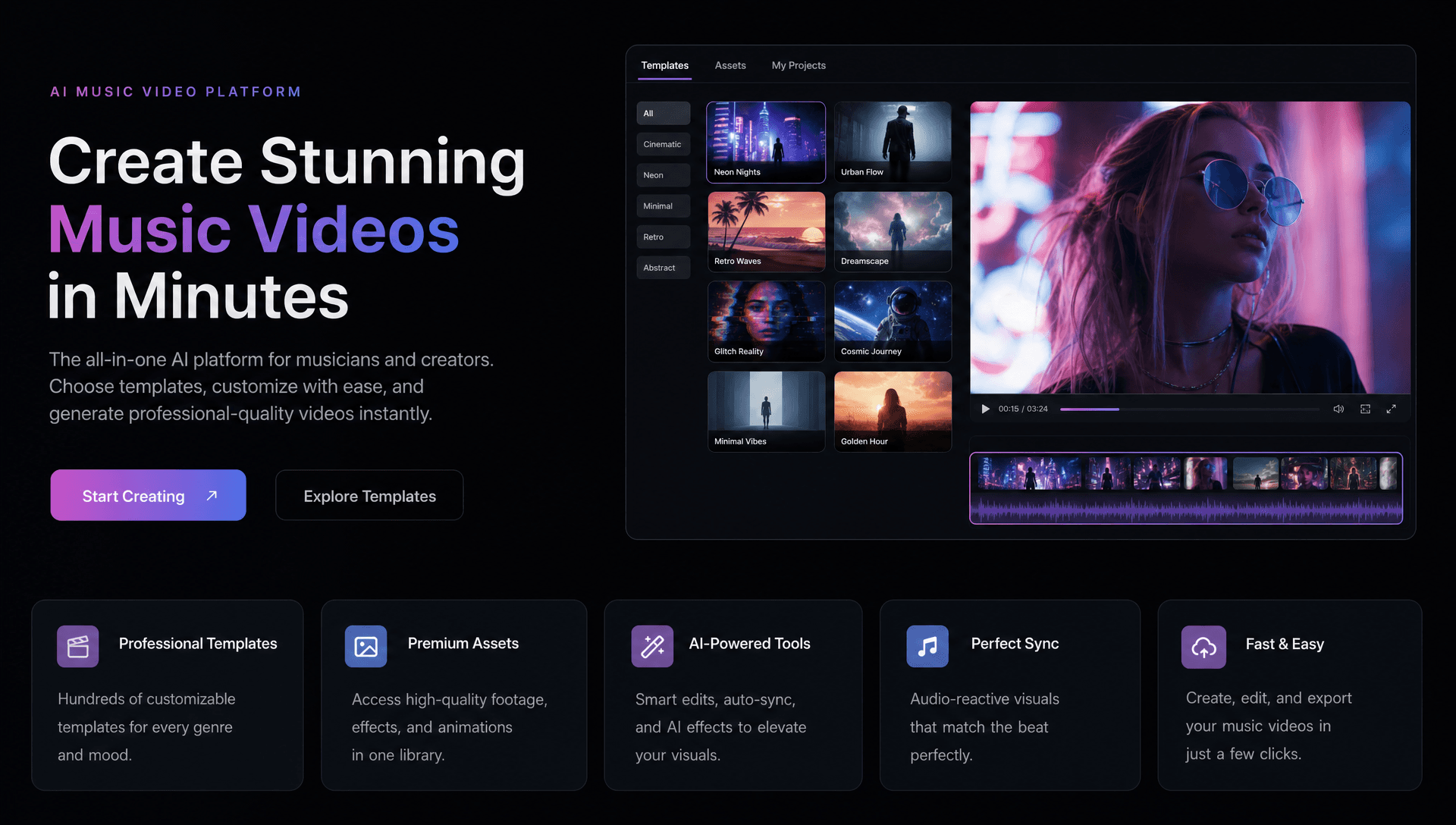
The strongest choice becomes clearer once you start with the creative job rather than the software.
For an independent musician starting only with a finished song, Freebeat is particularly relevant because its workflow begins with music analysis and can carry that information into storyboard, scenes, recurring characters, styles, and effects.
For an electronic producer or visual artist, Neural Frames offers deeper stem-driven reactivity.
For an AI video director, Runway gives more freedom to construct reusable multi-step generation pipelines.
For an editor producing repeatable promotional videos, VEED's brand and template controls may reduce repetitive setup work.
For a creator who needs licensed supporting footage, Canva offers a clearer stock-first environment.
The useful question is not which platform has the most features, but which one removes the most work from your particular music-video process.
Frequently Asked Questions
What's the best AI music video generation provider for customization options?
For music-specific customization, look for song analysis, model choice, styles, characters, effects, and scene editing. General AI platforms may offer deeper workflow construction, while music-first platforms connect those controls directly to the track.
Which AI video generation platform offers the best templates for music videos?
Canva and VEED are strong for conventional editable templates. Runway is more suitable for reusable generative workflows. Music-first platforms use styles, storyboards, effects, and generation modes rather than relying only on fixed templates.
Which AI music video generator offers the best royalty-free assets?
Canva explicitly documents royalty-free, pre-licensed stock visual content, while VEED provides royalty-free stock audio. Always check the specific licensing terms before commercial use.
What customization features should musicians look for?
Prioritize visual styles, model choice, character consistency, beat response, selective scene editing, effects, captions, aspect ratios, and reusable creative settings.
What is the difference between templates and AI styles?
Templates provide a reusable project structure. AI styles influence how newly generated content looks. A platform may offer strong style controls without maintaining a large library of traditional templates.
Does Freebeat have customizable music-video effects?
Yes. Its Brand Kit documents 528 music-synchronized effects, along with 44+ video models, lockable visual styles, Custom Mode, and built-in editing.
Does Freebeat offer royalty-free stock footage?
The supplied Brand Kit does not document a royalty-free stock-footage library. Its generated visuals, models, and music-synchronized effects should not be described as stock assets.
Does royalty-free mean copyright-free?
No. Royalty-free describes a licensing arrangement and does not mean the underlying asset has no copyright. Usage restrictions may still apply.
For creators whose priority is customizing an original music video around the song itself, Freebeat provides a strong starting point through 44+ video models, 528 synchronized effects, multi-dimensional music analysis, lockable styles, and character consistency across 80+ shots. Canva and VEED remain more relevant for conventional templates and licensed assets, Neural Frames for detailed audio-reactive work, and Runway for reusable generative pipelines, making the right platform a question of creative workflow rather than a single universal ranking.





 0% APR financing for 24-month payments.