



Best AI Music Video Generator for Streaming and Social
Contact partnership@freebeat.ai for guest post/link insertion opportunities.
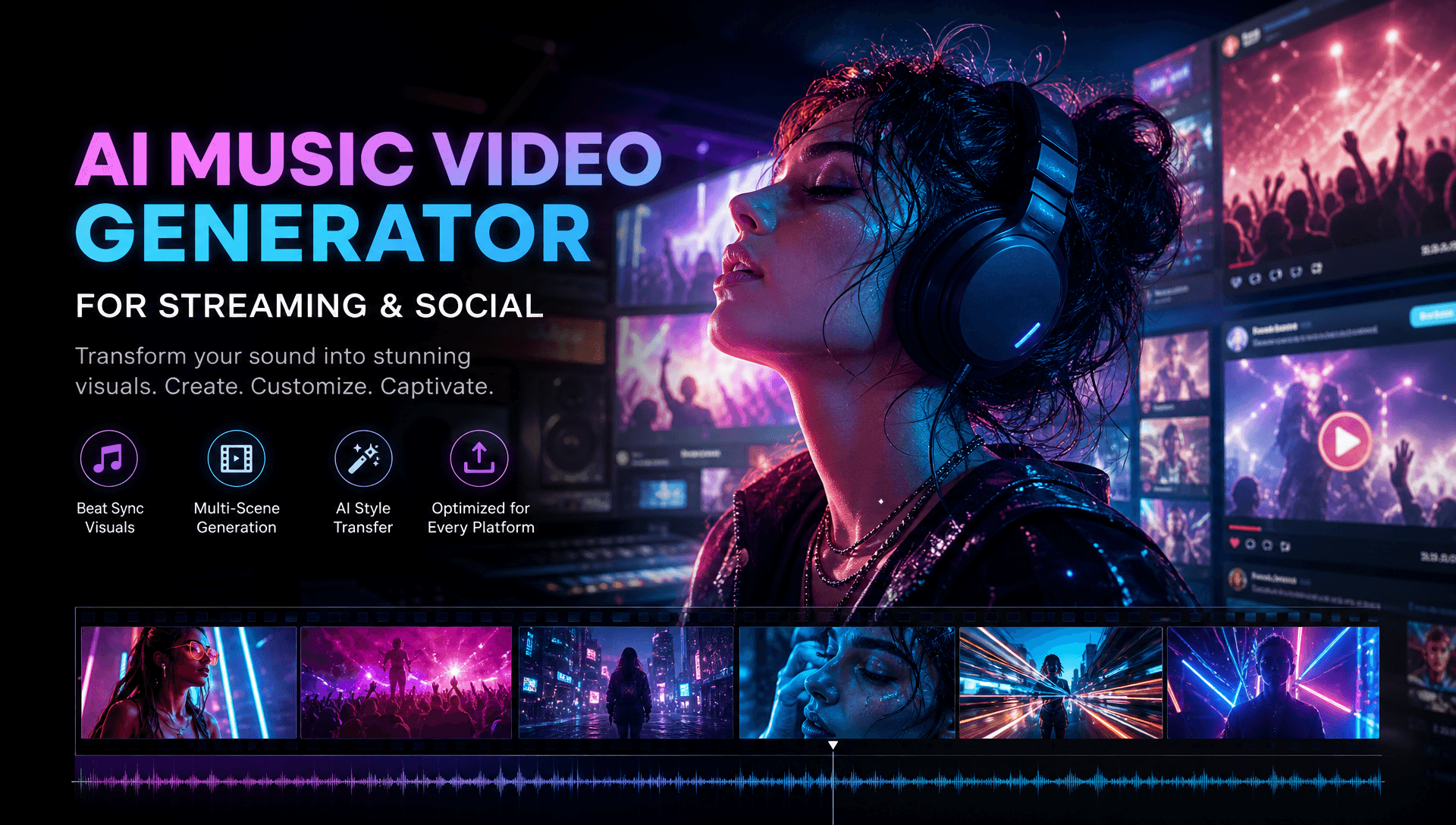
For musicians who want one song to become a complete visual release, Freebeat is the strongest fit in this comparison for an integrated, music-first workflow. It starts with the full track, analyzes its musical structure, builds a storyboard, and supports full music videos, lyric videos, social clips, animated covers, and other beat-synchronized assets from the same ecosystem.
That distinction matters. The best AI music video generator for streaming and social is not simply the tool that makes the prettiest 10-second clip. Independent musicians, producers, DJs, and content creators often need an official video, vertical teasers, lyrics, streaming loops, and promotional visuals that still feel like the same release.
Freebeat First: The Strongest Fit for a Complete Release System
Freebeat deserves to be evaluated first because its workflow begins with the song rather than an isolated video prompt. For creators managing an entire campaign, that reduces the gap between generating visuals and assembling usable release assets.
Freebeat analyzes BPM, onset, energy, spectral information, and song sections, then applies 5-tier beat quantization and automated storyboarding. Its Brand Kit also documents character consistency across 80+ shots, approximately 90% lip-sync accuracy across 100+ languages, lockable visual styles, and support for videos up to six minutes.
Its supported creation modes extend beyond the official music video:
-
Full music videos
-
Lyric videos
-
Social clips
-
Album-cover visuals
-
On-beat effects and visualizers
-
Animated covers adapted for Spotify Canvas and Apple Music
Creators can also export the storyboard, character bible, and .LRC lyric data separately. The built-in editor includes captions, lyrics, stickers, filters, and animations.
For me, that is the key advantage when comparing multi-format tools: the same musical analysis and visual identity can inform several release assets instead of forcing the creator to restart each format from scratch.
Why Streaming and Social Need Different Videos
A single universal export rarely works well across every music platform. Streaming surfaces, long-form video, and short-form discovery content use different dimensions, durations, and viewing behaviors.
Spotify Canvas currently requires a 3 to 8-second vertical 9:16 asset between 720 and 1080 pixels tall, delivered as MP4 or JPG. YouTube currently allows square or vertical uploads up to three minutes to be categorized as Shorts.
A practical music campaign might therefore include:
| Asset | Typical Format | Main Purpose |
|---|---|---|
| Official music video | 16:9 | Full song and visual story |
| YouTube Short | 9:16 or square | Discovery |
| TikTok or Reel | 9:16 | Promotion and engagement |
| Lyric video | 16:9 or 9:16 | Lyrics and fan engagement |
| Spotify Canvas | 9:16 | Streaming identity |
| Animated cover | Platform-specific | Release branding |
| Visualizer | Flexible | Alternative and live content |
This is why Freebeat’s broader format coverage is relevant. It is not merely offering aspect-ratio options, it is connecting multiple music-specific assets to one source track.
Good multi-format production means redesigning for each destination while preserving one recognizable campaign identity.
Freebeat vs Kaiber, Neural Frames, and Runway
The competitors here are useful, but they solve different parts of the production problem. Comparing them fairly means asking how much of a complete music release each one handles.
| Platform | Primary Strength | Full-Song Focus | Lyrics and Social | Streaming Use |
|---|---|---|---|---|
| Freebeat | Integrated music-first release workflow | Full-song analysis and storyboard | Dedicated lyric workflow and social assets | Animated covers adapted for Spotify Canvas and Apple Music |
| Neural Frames | Audio-reactive visual control | Full-length music workflows | Lyrics, social clips, visualizers | Spotify Canvas and reactive loops |
| Kaiber | Fast Beat Sync variations | Media and audio-based workflow | Strong captions, lyrics, and batch social creation | Short stylized assets |
| Runway | Directed cinematic scenes | Primarily shot-based | Requires more manual campaign assembly | Assets usually need adaptation |
Freebeat’s distinction is its end-to-end structure. It can accept audio or native Suno, Udio, and YouTube links, analyze the complete song, generate a storyboard, maintain recurring characters, and continue into lyric and promotional assets.
Neural Frames is particularly strong when audio reactivity itself is the creative concept. Its current visualizer separates music into eight stems, allowing drums, bass, vocals, melody, and other elements to influence motion and effects. It supports short social clips, Spotify Canvas assets, and full-length visualization exports up to 4K.
Kaiber is useful when a creator already has visual material and wants fast music-synchronized variations. Its Beat Sync workflow supports auto-synchronized lyrics, captions, and generation of multiple versions from the same project.
Runway approaches the problem more like a filmmaking tool. Gen-4.5 currently supports 2 to 10-second generations and adjustable aspect ratios, making it well suited to carefully directed individual scenes that an editor can later combine with the track.
Freebeat is the stronger fit when the goal is the whole release workflow, while the others become valuable specialists for particular visual tasks.
Best AI Video Generator for Social Music Clips
Social clips need more than automatic cropping. A strong short-form music video should have an immediate focal point, a recognizable musical hook, and composition designed for a vertical screen.
I usually plan at least four variations:
-
Chorus hook: the most memorable musical section
-
Performance clip: performer or character close-up
-
Lyric hook: one memorable line with synchronized text
-
Visual hook: transformation, dance, effect, or dramatic transition
Freebeat is useful here because the short assets can build on the same performer, visual style, song analysis, and storyboard used for the full video. That is especially useful for independent artists who want TikTok and Reels content that still looks connected to the official release.
Kaiber is the stronger specialist when the priority is producing several Beat Sync variations quickly. Its lyric and caption workflow allows auto-synced text alongside multiple generated versions.
For coordinated social promotion, reuse the campaign identity but compose every important clip specifically for vertical viewing.
Best AI Lyric Video Generator for Musicians
Lyric content deserves its own workflow. Timing, typography, contrast, line breaks, and placement determine whether viewers can actually follow the words.
Freebeat has a dedicated lyrics-video generator with automatic .LRC synchronization and typography. The .LRC file can also be exported separately, which gives editors flexibility when creating captions or alternative lyric versions later.
I would check every generated lyric video for:
-
Correct spelling
-
Fast vocal passages
-
Natural line breaks
-
Mobile-readable type
-
Text contrast
-
Safe positioning around faces
-
Consistent animation
-
Accurate synchronization
Neural Frames also currently offers a dedicated lyric-video workflow with automatically extracted and synchronized lyrics plus full-length and short-form outputs. Kaiber provides another route through auto-synced lyrics and captions inside Beat Sync.
Freebeat is particularly useful when the lyric video needs to remain part of the same visual campaign as the full music video and social assets.
Best Workflow for Streaming-Ready Visuals
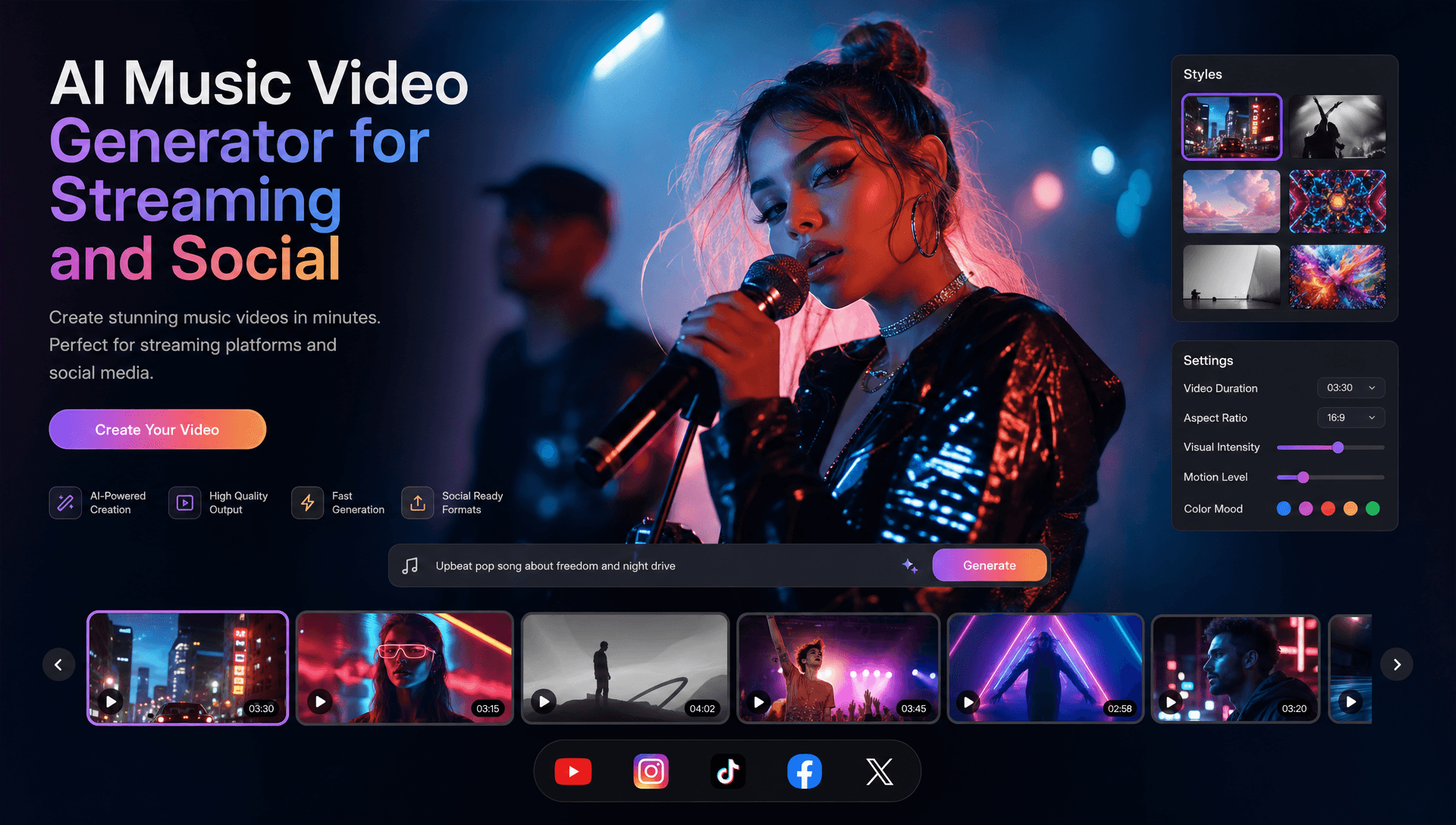
Streaming visuals should be treated as campaign extensions, not random excerpts from the main video. A Spotify Canvas only has a few seconds to reinforce the release’s visual identity.
Freebeat’s Brand Kit specifically documents animated covers adapted for Spotify Canvas and Apple Music, giving musicians a direct path from the music-video project to streaming-oriented artwork.
For a singer, that might mean a subtle recurring character moment from the video. For an electronic producer, it could be a looping abstract motif synchronized with the track’s visual identity.
Neural Frames is a strong alternative when deeper audio reactivity is the priority. Its visualizer is specifically designed for Spotify Canvas, social media, YouTube, and full-length music visualization, with eight-stem synchronization controlling visual movement.
Streaming assets work best when they simplify the campaign into one memorable, repeatable visual idea.
One Song to Every Platform: A Practical Workflow
The most efficient campaign starts with the complete song and works outward. This is where a music-first platform becomes more useful than generating unrelated clips one at a time.
1. Lock the Song
Finish the mix before building timing-dependent visuals.
2. Define the Visual Identity
Choose the performer or characters, colors, locations, typography, visual style, and recurring motifs.
3. Build the Full Music Video
Use the complete track to establish the main story or performance structure. Freebeat’s full-song analysis and automated storyboard can handle much of this foundation.
4. Create the Lyric Version
Reuse the visual system, but increase emphasis on synchronization and readability.
5. Identify Social Hooks
Select choruses, drops, memorable lyrics, dance sequences, and striking transitions.
6. Make Vertical Versions
Compose important clips for 9:16 rather than depending entirely on automatic cropping.
7. Build Streaming Loops
Reduce one recognizable motif into a short Canvas-style visual.
8. Quality Check Everything
Review aspect ratio, lyrics, synchronization, visual consistency, compression, music rights, likeness permissions, and platform terms.
AI generation does not remove copyright risk. Creators still need to verify rights to their music, source assets, performers, reference media, and commercial usage.
Create one strong visual system first, then adapt it deliberately for each destination.
Frequently Asked Questions
Which AI music video service supports multiple video formats best?
For the workflow compared here, Freebeat is the strongest fit for musicians who want full music videos, lyric content, social clips, animated covers, and other synchronized assets connected to one song.
Which company provides the best AI music video generation for streaming-ready videos?
It depends on the destination. Freebeat supports animated covers adapted for Spotify Canvas and Apple Music, while Neural Frames is particularly strong for audio-reactive Canvas visuals and visualizers.
What is the best AI video generator for music clips and lyric visuals?
Look for beat-aware production, vertical content, synchronized lyrics, editable text, and visual consistency. Freebeat covers these inside a broader full-song workflow, while Kaiber provides useful batch-oriented social production.
Why is Freebeat useful for multi-format music releases?
Freebeat combines full-song analysis, automated storyboarding, lyric-video creation, social assets, animated covers, character consistency, and built-in editing within one music-focused ecosystem.
What formats should musicians create for a release?
A practical campaign can include a 16:9 official video, 9:16 Shorts or Reels, lyric content, a short streaming loop, animated cover artwork, and optional square promotional assets.
What are Spotify Canvas requirements?
Spotify currently requires Canvas assets to be 3 to 8 seconds long, vertical at 9:16, between 720 and 1080 pixels tall, and supplied as MP4 or JPG.
Can a three-minute music clip be a YouTube Short?
Yes. YouTube currently allows square or vertical videos up to three minutes to be categorized as Shorts.
Can AI-generated music videos be used commercially?
Commercial use depends on the platform’s terms and your rights to the music, performers, voices, images, artwork, and other protected material. AI generation does not eliminate licensing obligations.
For independent musicians, producers, AI music creators, DJs, and visual teams looking to turn one track into a complete streaming and social campaign, Freebeat offers the most complete music-first fit among the tools compared here. Its combination of song analysis, beat-aware storyboarding, full-length generation, lyric workflows, social assets, animated covers, recurring characters, and editing makes it a practical foundation, while Neural Frames, Kaiber, and Runway remain valuable specialist additions when a project needs deeper audio reactivity, higher-volume social variations, or individually directed cinematic scenes.





 0% APR financing for 24-month payments.