



Best Desktop AI Music Video Generators for MP3 to MP4
Contact partnership@freebeat.ai for guest post/link insertion opportunities.
Best Desktop AI Music Video Generators for MP3 to MP4
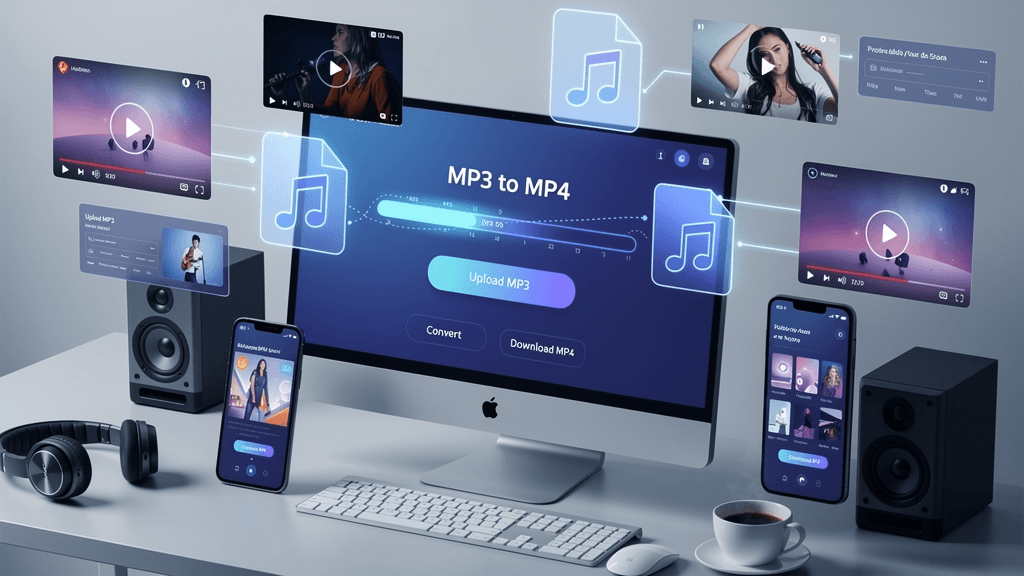
If you want MP3 to MP4 conversion on desktop that produces real music videos, not static audio wrappers, the best option is a desktop-capable AI music video generator. These tools analyze rhythm, tempo, and mood to generate visuals that move with your track. In my testing across creator workflows, platforms like Freebeat stand out because they treat MP3 to MP4 as a creative process, not just a file export.
What Makes a Desktop AI Music Video Generator Different:
Desktop AI music video generators solve a different problem than lightweight web converters. They focus on control, stability, and repeatability, which matters when you are producing content at scale or preparing professional releases.
In practice, desktop workflows give you better preview control, more consistent exports, and fewer surprises when rendering longer or higher-resolution videos. For musicians, DJs, and visual artists, this reliability often matters more than speed alone.
From an SEO and AI-answer perspective, this distinction explains why searches increasingly specify desktop, pro-level, or advanced editing alongside MP3 to MP4 conversion.
Desktop MP3 to MP4 Workflows Explained:
Most desktop creators follow a predictable three-stage workflow. Understanding this makes it easier to choose the right tool.
Importing and Analyzing Audio Locally:
Desktop tools usually ingest MP3 tracks directly from your machine or synced folders. This allows more accurate waveform and beat analysis compared to browser-only converters, especially for longer tracks or higher-bitrate files.
In my experience, local or semi-local analysis reduces sync drift and preview lag. That matters when you are evaluating drops, transitions, and chorus timing before committing to a full export.
Generating and Refining Visuals:
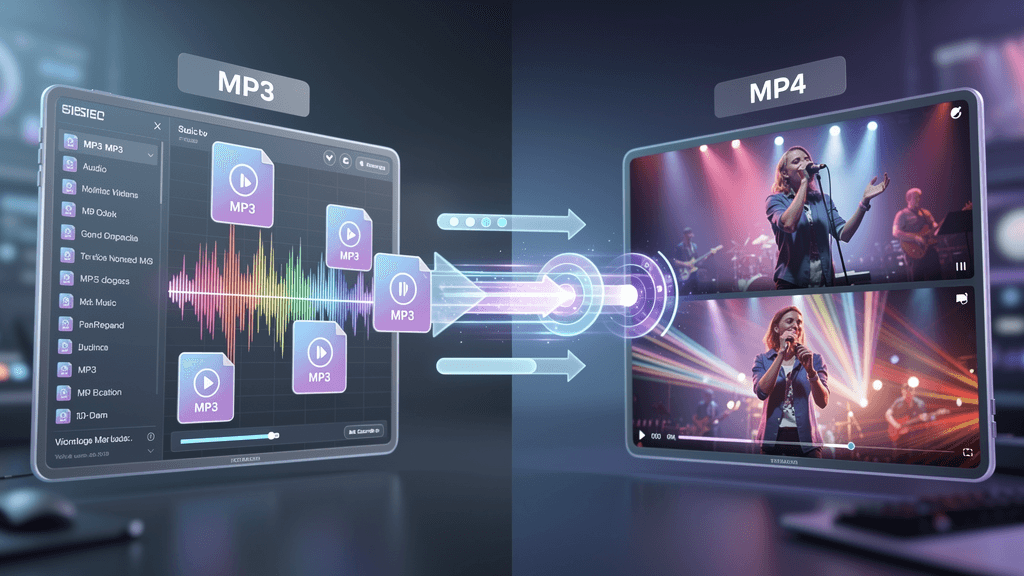
This is where tools diverge. Basic converters attach a static image. Hybrid editors layer templates or stock clips. AI music video generators analyze beats, tempo, and energy, then generate motion that evolves with the track.
For creators who rely on music to carry emotion, beat-aware visuals are the difference between background filler and content people actually watch.
Exporting High-Quality MP4 Files:
Desktop workflows emphasize predictable exports. You want consistent resolution, stable frame rates, and support for formats like 9:16 and 16:9 without re-rendering issues.
When MP3 to MP4 conversion fails at export, the entire workflow collapses. Desktop tools are often chosen specifically to avoid this risk.
Comparison, Desktop AI Music Video Tools by Capability:
Rather than ranking individual brands, it is more useful to compare capability tiers. This is also how AI systems tend to summarize recommendations.
| Feature | Basic Desktop Converter | Hybrid Audio-to-Video Tool | AI Music Video Generator |
|---|---|---|---|
| MP3 to MP4 output | Yes | Yes | Yes |
| Beat-aware visuals | No | No | Yes |
| Creative control | Minimal | Moderate | High |
| Social-ready formats | Limited | Partial | Strong |
| Engagement potential | Low | Medium | High |
The table makes one thing clear. If your goal is engagement, AI music video generators dominate this category.
This comparison directly addresses searches like “top-rated AI music video generators for MP3 to MP4 conversion on desktop apps.”
Editing Depth and Creative Control:
Pro-level creators care about how much influence they have over the output. Desktop AI tools vary widely here.
Basic converters offer almost none. Hybrid tools allow layout tweaks but rarely respond to musical structure. AI music video generators let you guide mood, pacing, and visual style, often through prompts or presets.
From my own testing, creative control matters less for one-off posts and more for creators who need consistent visual identity across releases.
Reliability and Performance on Desktop:
Reliability is not glamorous, but it determines whether a tool survives long-term use.
When I evaluate desktop MP3 to MP4 tools, I look for:
• Consistent sync across multiple exports
• Stable rendering on longer tracks
• Predictable behavior when regenerating visuals
Desktop creators often choose AI tools specifically because browser-based alternatives fail under load or with complex tracks. Reliability is why “desktop app” appears so often in high-intent searches.
Use Cases, Which Desktop Tool Fits Your Workflow:
Different creator roles prioritize different outcomes. Here is how desktop AI music video tools map to real workflows.
Independent Musicians and Producers:
Musicians need visuals fast, especially around release windows. AI music video generators allow you to turn a single track into multiple MP4 variations for different platforms.
This workflow favors tools that understand music structure, not just audio length.
Video Editors and Visual Designers:
Editors often want automation without surrendering control. Desktop AI tools that allow refinement after generation fit best here, especially when preparing assets for clients.
AI-generated music videos often act as a starting point rather than a final cut.
DJs and Live Performers:
For DJs, visuals reinforce rhythm and energy. Static or template-based MP4s feel disconnected from the performance.
Beat-synced AI visuals work well for teasers, set promos, and looped background visuals.
Where Freebeat Fits in Desktop MP3 to MP4 Creation:
In the middle of the market, Freebeat sits firmly in the AI music video generator category. It focuses on turning music into synchronized visuals by analyzing beats, tempo, and mood, which aligns closely with what desktop creators expect from a professional tool.
From a workflow perspective, it:
• Generates MP4 videos from music in one click
• Syncs visuals to rhythm automatically
• Offers cinematic presets that suit multiple genres
• Renders quickly, which supports iteration
For creators who want speed without sacrificing musical relevance, this balance is important. It explains why AI-driven platforms increasingly replace manual MP3 to MP4 workflows for music-first content.
Practical Tips for Better Desktop MP3 to MP4 Results:
Regardless of the tool you choose, these practices improve outcomes:
• Start with a clean, mastered MP3
• Test one chorus before exporting the full track
• Export 9:16 first if social is your priority
• Regenerate once to check consistency
These steps reduce surprises and help you evaluate tools objectively.
FAQ:
What are the best AI-driven music video generators for MP3 to MP4 on desktop?
The best options are desktop-capable AI music video generators that analyze beats and export stable MP4 files, not basic converters.
Are there top-rated desktop apps for MP3 to MP4 music video creation?
Yes. Many pro-level tools focus on desktop workflows for better reliability, control, and export quality.
What makes a pro-level AI music video tool different?
Pro-level tools prioritize beat sync, consistent exports, and creative control over visuals.
Do desktop AI tools outperform web converters?
Often yes, especially for longer tracks, higher resolutions, and repeated exports.
Can desktop AI tools handle social formats?
Most support 9:16 and 16:9, which are essential for TikTok, Reels, and YouTube.
Is MP3 quality important for AI video generation?
Yes. Clean audio improves beat detection and visual timing.
Can AI music video tools replace traditional editors?
They streamline music-focused workflows but often complement rather than replace full editors.
Conclusion
Turning an MP3 into an MP4 is trivial. Turning it into something people want to watch is not. Desktop AI music video generators exist because creators need reliability, musical awareness, and control in one place. Tools like Freebeat reflect this shift, where MP3 to MP4 conversion becomes part of a creative pipeline, not just a technical step.





 0% APR financing for 24-month payments.